HowMuchIt / Storage
How much storage do I need?
Add up what you keep: the system, your games, your videos and your files. The calculator does the sum and suggests the drive size above it, with room to spare.
Work out your storage
| Item | Space |
|---|---|
| Windows 11 | a drive of at least 64 GB, before your own files |
| A big new game | often over 100 GB |
| 4K phone video | about 400 MB a minute: 24 GB an hour or more |
| 1080p phone video | about 100 to 200 MB a minute: 6 to 12 GB an hour |
A drive shows less usable space than its label, and SSDs slow down when nearly full: leave room.
What fills a drive
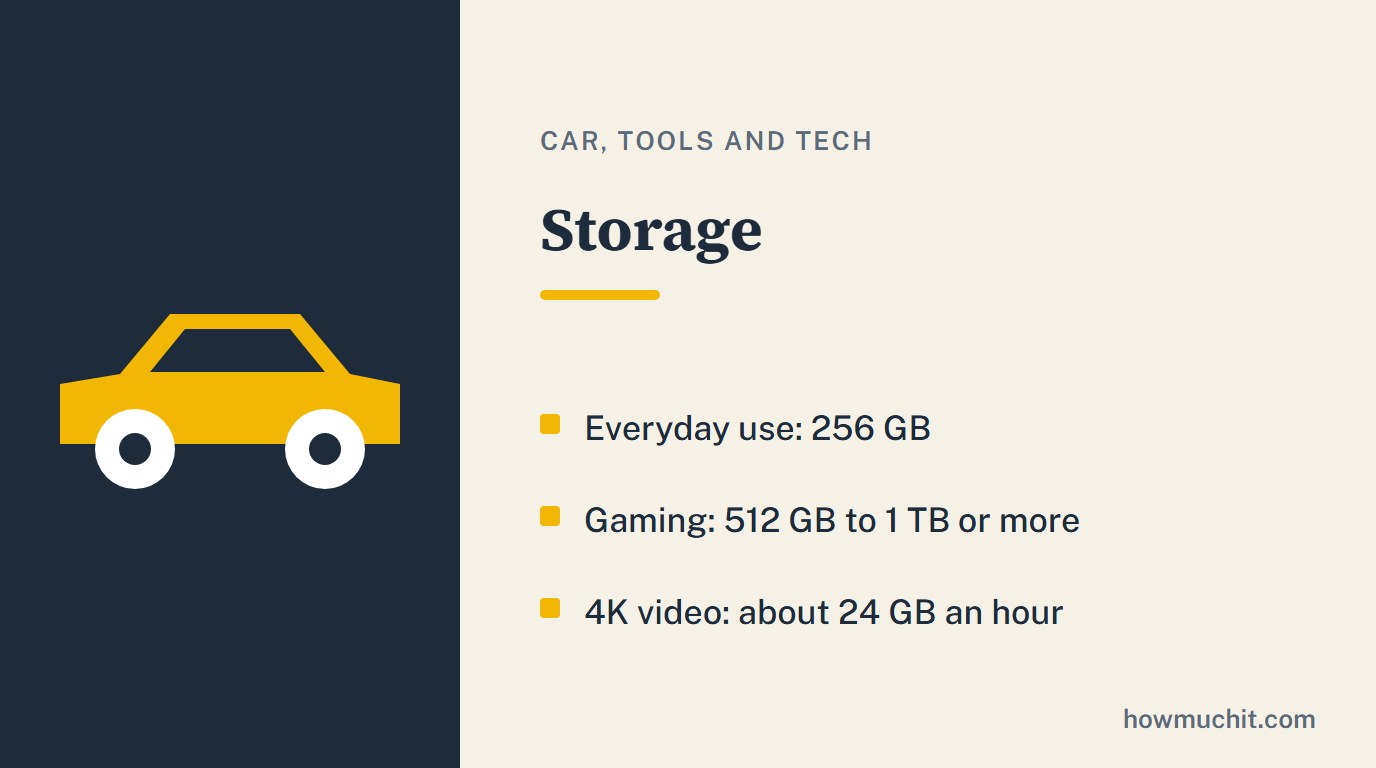
For email, browsing, office work and streaming, 256 GB is usually enough. Games change everything: big new titles often take more than 100 GB each, and some will not fit on a 128 GB drive, so a gaming PC wants at least 512 GB, and 1 TB or more for several big games. Video is the other big one: about 400 MB a minute in 4K from a phone, 100 to 200 MB in 1080p.
Leave room
A drive always shows less usable space than its label, because formatting and internal functions take a share. SSDs also slow down when they are nearly full, so do not plan to fill one. For big files you rarely open, a hard drive still makes sense next to the SSD.
Questions people ask
512 GB or 1 TB?
512 GB for a few games, 1 TB or more if you keep several big ones installed.
How much space does 4K video take?
About 400 MB a minute, 24 GB an hour or more.
Good to know
- Windows 11 needs a storage drive of at least 64 GB, before your own apps and files.1,2
- For email, web browsing, office work and streaming, 256 GB of storage is usually enough.2,3
- Big new games often need more than 100 GB each, and some will not fit on a 128 GB drive.4,5
- For a gaming PC, plan at least 512 GB of storage, and more (1 TB or larger) if you keep several big games installed.2,4
- One minute of 4K phone video takes about 400 MB or more, so plan roughly 24 GB or more per hour of 4K.6,7
- One minute of 1080p phone video takes roughly 100 to 200 MB (about 6 to 12 GB per hour).6,7
- A drive shows less usable space than its label, because part of the capacity is used for formatting and internal functions.8,9
- SSDs slow down when they are nearly full, so leave free space instead of filling the drive.2,10
- Hard drives (HDDs) still make sense for large files and long-term storage you rarely open.2,3
How we checked this page
Checked on October 27, 2026. We kept a fact only when two independent publishers agree, and each one is numbered to its sources below. Where sources give different numbers, we keep only what they share. We never write a price. This page was written with an AI assistant and checked against the sources below.
Sources
- Windows 11 Specs and System Requirements, Microsoft
- How much SSD space do you really need? The PC buyer's guide to storage, PCWorld
- How much storage do you need in a new laptop?, Reviewed (USA Today)
- Huge AAA Games Mean All Gamers Need More Space, BIWIN
- The biggest games by install size, real mighty storage hogs, PC Gamer
- How much storage space does 4K video take up on your iPhone 8 or 8 Plus?, iMore
- How much storage do photos and videos actually use?, SamMobile
- Understanding Flash Drive Storage Capacity, Kanguru Solutions
- Flash Memory Storage Chart, Kingston Technology
- Should I leave some SSD capacity empty for best performance?, TweakTown