HowMuchIt / Power supply
What size power supply do I need?
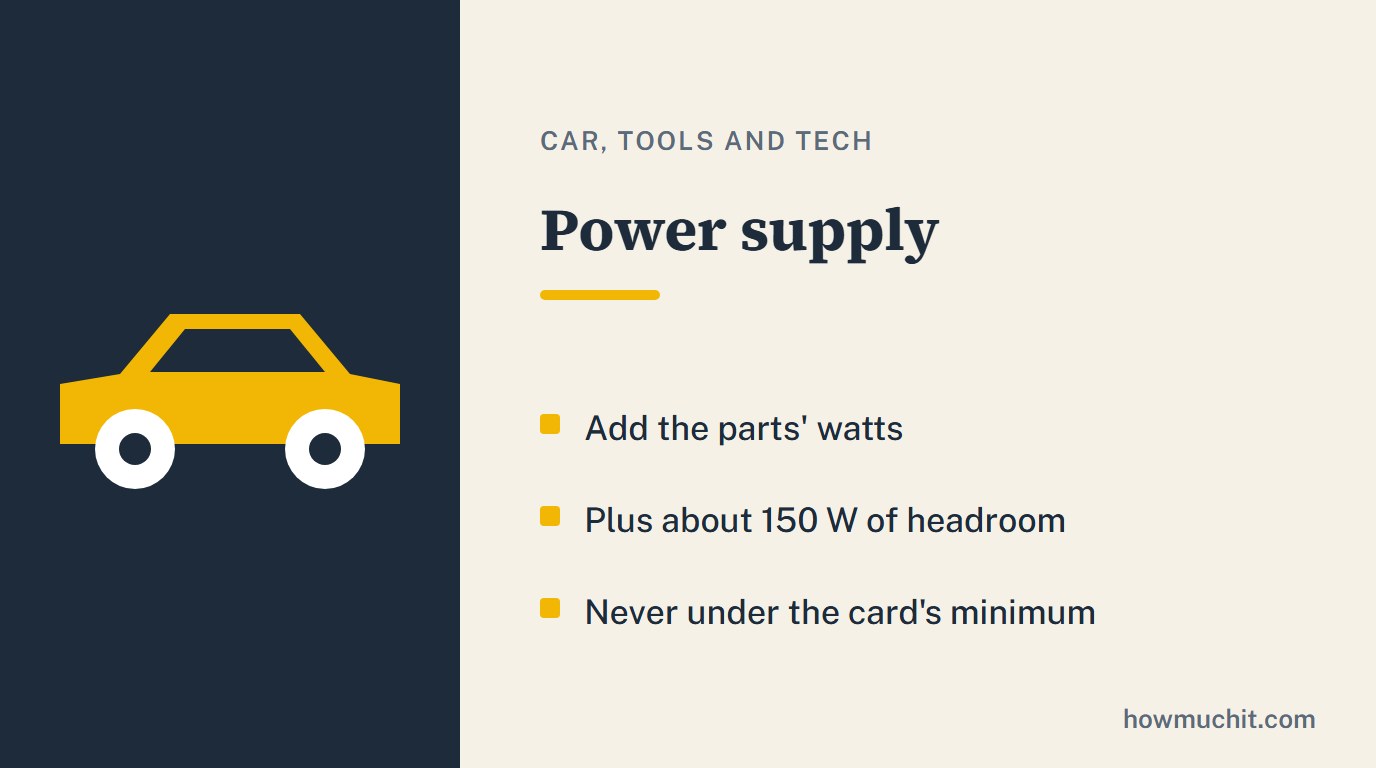
Add up what each part draws, then add headroom: about 150 watts is the common rule. Check the graphics card maker's minimum system power, and use the bigger of the two.
Work out your power supply
| Level | Efficiency |
|---|---|
| Bronze | 85 percent |
| Silver | 88 |
| Gold | 90 |
| Platinum | 92 |
Add about 150 W of headroom (guides say 100 to 200). A power supply is most efficient near half load.
Where the watts are
The processor and the graphics card draw most of the power; their spec sheets give the figures. The motherboard, memory, drives and fans add the rest. Graphics card makers also list a minimum system power for each card, measured with a top-end processor: treat it as a floor. A power supply is most efficient around half its rated load, which is one more reason for the headroom.
80 PLUS levels
80 PLUS certifies efficiency. At half load on 115 volts, Bronze is 85 percent, Silver 88, Gold 90 and Platinum 92. Levels rise from the plain 80 PLUS through Bronze, Silver, Gold and Platinum to Titanium.
Questions people ask
How many watts does my PC need?
Parts total plus about 150 W: a 125 W processor, a 300 W card and 50 W for the rest come to about 625 W.
Is Gold worth it over Bronze?
Gold is 90 percent efficient at half load against 85 for Bronze.
Good to know
- Estimate a PC's power need by adding up what each part draws: processor, graphics card, then motherboard, memory, drives and fans.1,2,3
- Then add headroom: about 150 W above the estimated total is the common rule (guides range from 100 to 200 W).1,2,4
- Graphics card makers list a minimum system power for each card, measured on a PC with a top-end processor; treat it as a floor for your power supply.5,6
- A power supply is most efficient around the middle of its range (about 50 percent load), not at full load.1,2,7
- 80 PLUS efficiency at 50 percent load (115 V internal): Bronze 85, Silver 88, Gold 90, Platinum 92 percent.2,3,7
- 80 PLUS efficiency at 20 and 100 percent load (115 V internal): Bronze 82 and 82, Silver 85 and 85, Gold 87 and 87, Platinum 90 and 89 percent.3,7
- 80 PLUS is an efficiency certification for internal power supplies; levels rise from 80 PLUS (Standard) to Bronze, Silver, Gold, Platinum and Titanium.4,8
How we checked this page
Checked on October 27, 2026. We kept a fact only when two independent publishers agree, and each one is numbered to its sources below. Where sources give different numbers, we keep only what they share. We never write a price. This page was written with an AI assistant and checked against the sources below.
Sources
- How to Calculate PSU Wattage, XPG (ADATA)
- How to Choose the right Power Supply (PSU), CORSAIR
- 80 PLUS Gold vs. Platinum PSU: What Is the Difference?, MSI
- How To Choose a PSU?, Cooler Master
- GeForce RTX 5070 Family, NVIDIA
- AMD Radeon RX 7800 XT, AMD
- Technology Primer - Power Supply Wattage and Efficiency, Puget Systems
- What is 80 PLUS certification program?, CLEAResult (80 PLUS program)